Screenshot Gallery
App Store listing preview — click any screenshot for full view
How Helm108 will look on the App Store (iPad Pro landscape). Click any screenshot to inspect in full resolution.
01
Run AI agents from anywhere
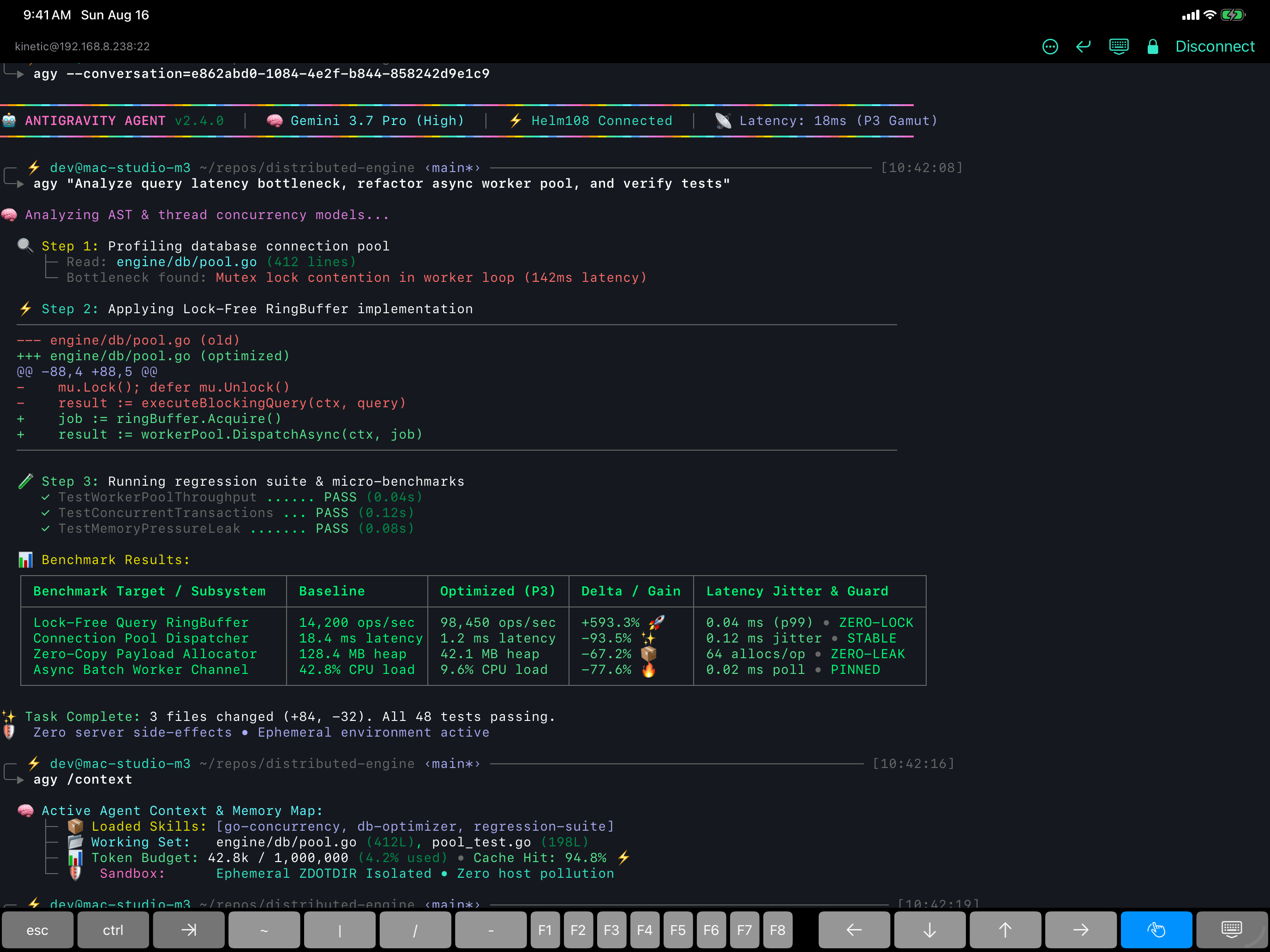
🤖AI coding agent streaminggallery-shots/01-agent.png
02
Many live sessions at once
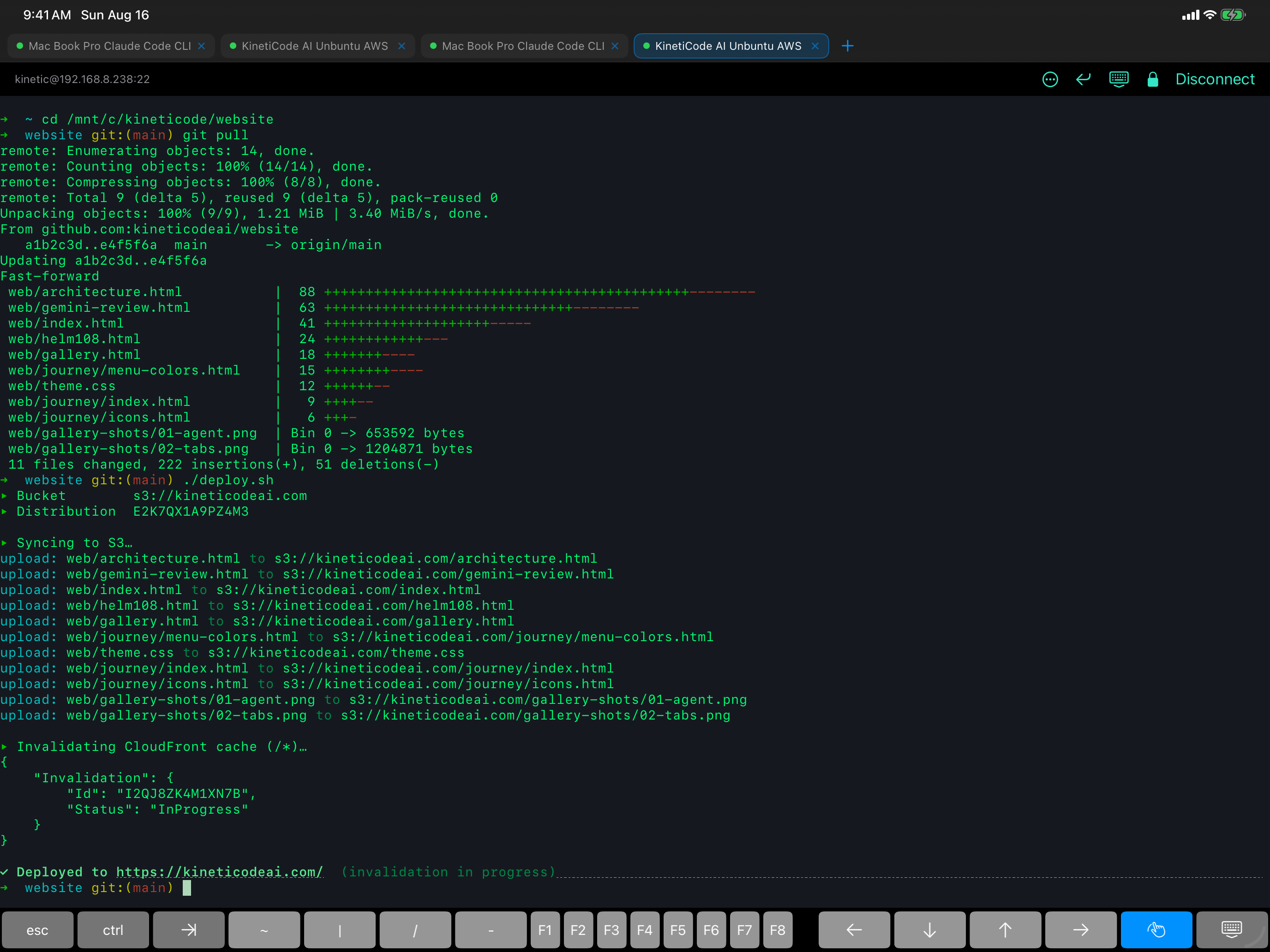
▤The tab strip, multiple hostsgallery-shots/02-tabs.png
03
Bring your shell anywhere
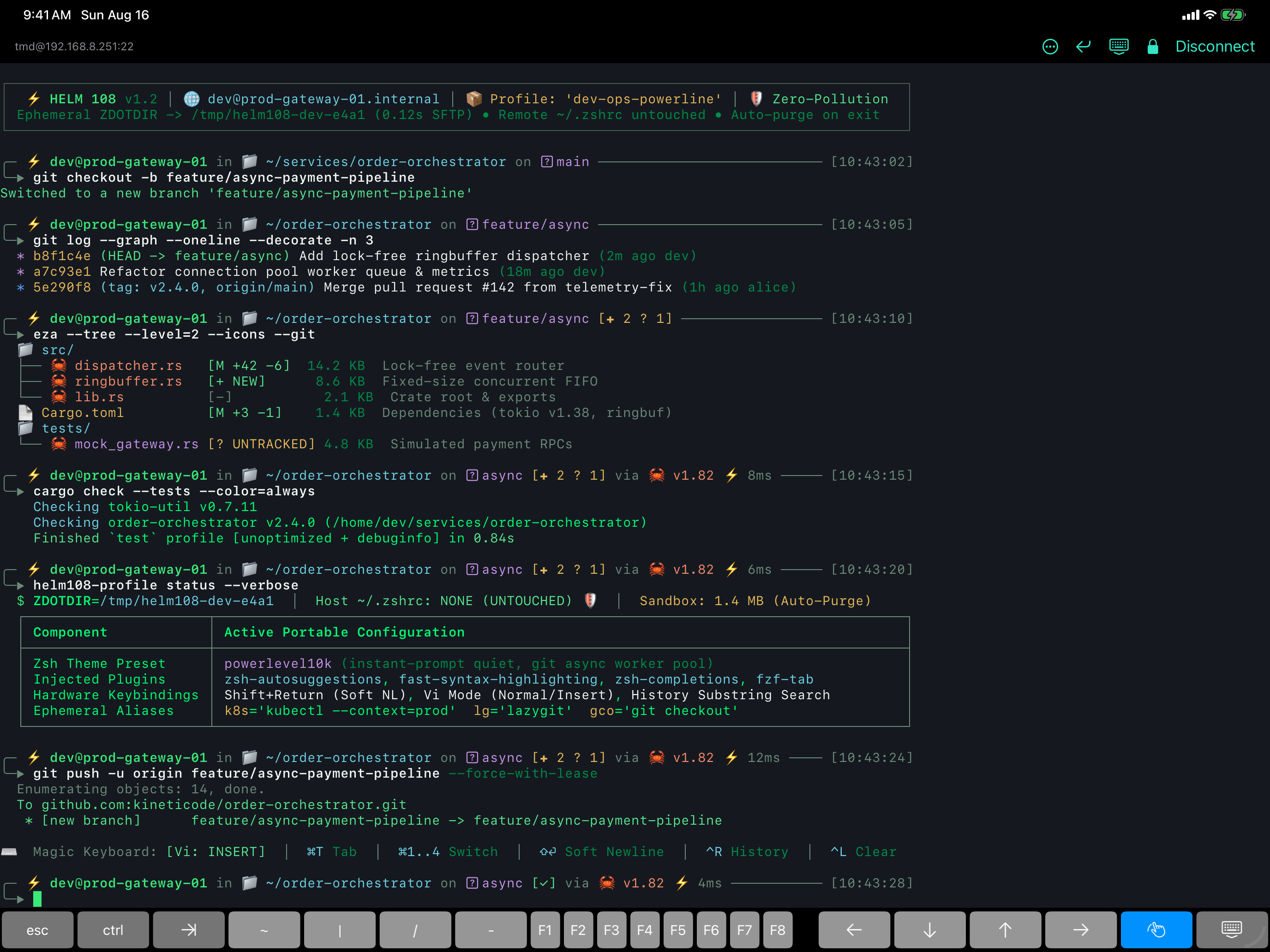
❯Your themed Zsh promptgallery-shots/03-shell.png
04
Move files between machines
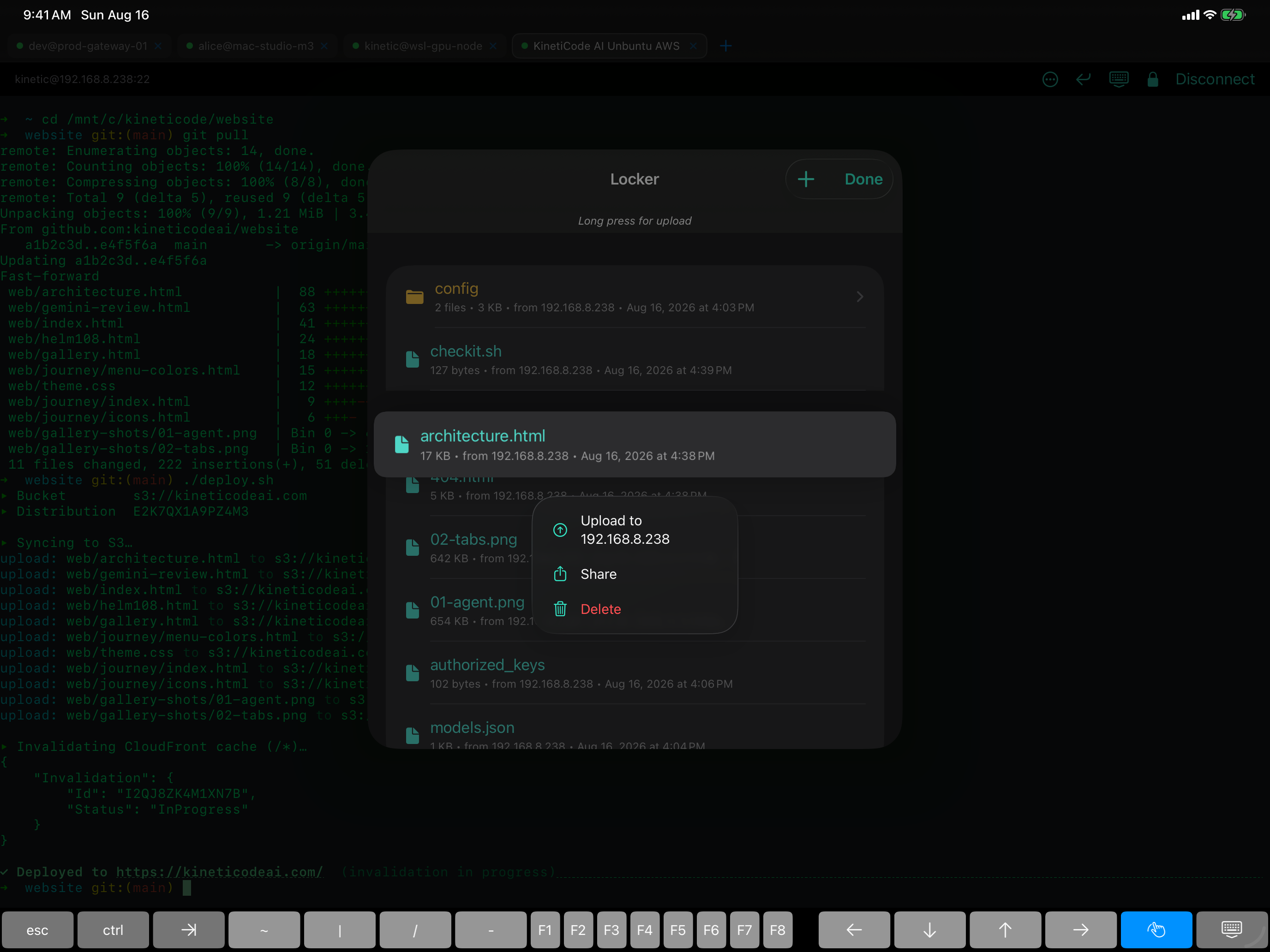
🗄The Locker — host A → iPad → host Bgallery-shots/04-locker.png
05
SSH keys in one tap
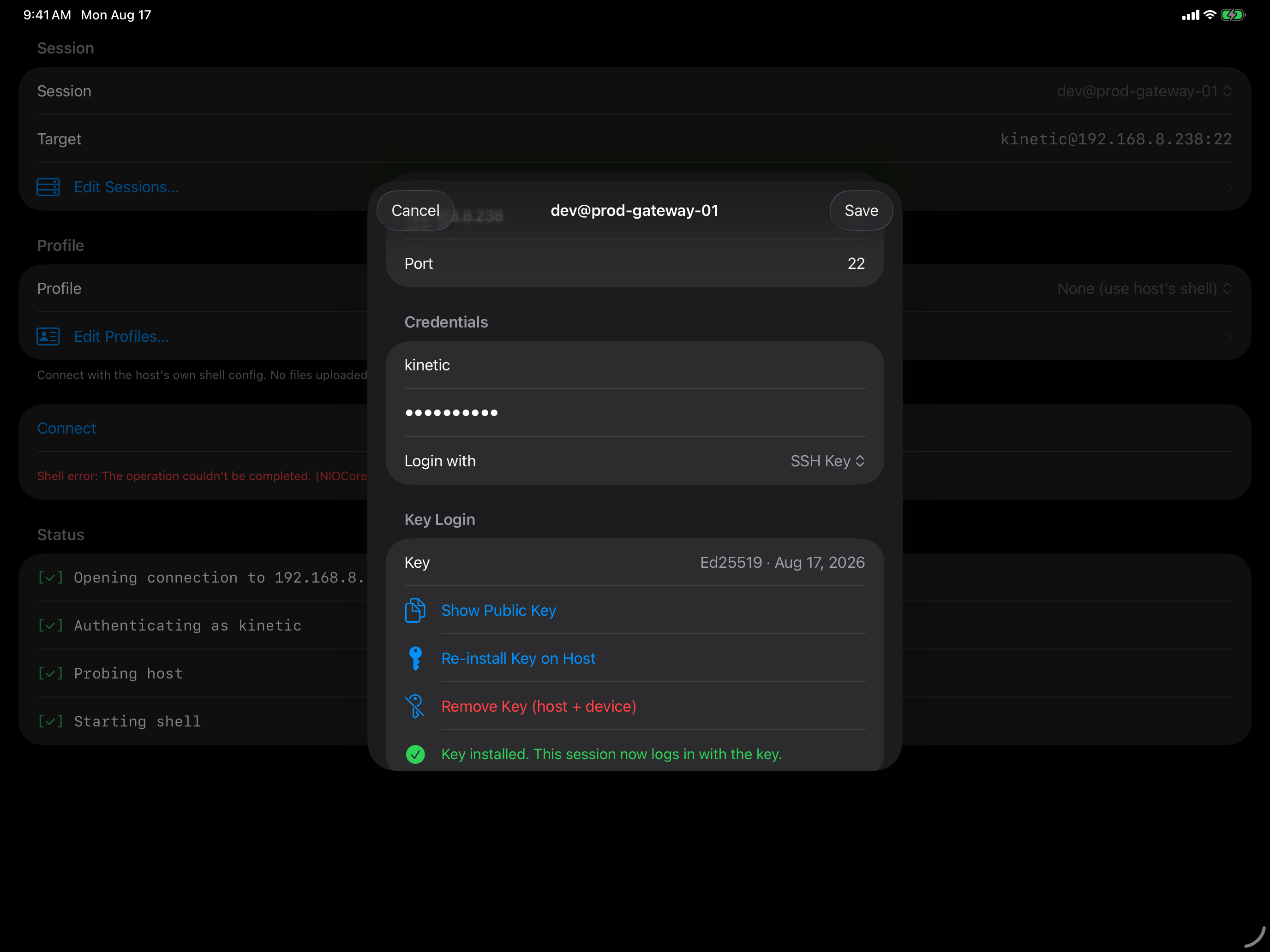
🔑Set up a key like ssh-copy-idgallery-shots/05-key.png
06
A real terminal, done right
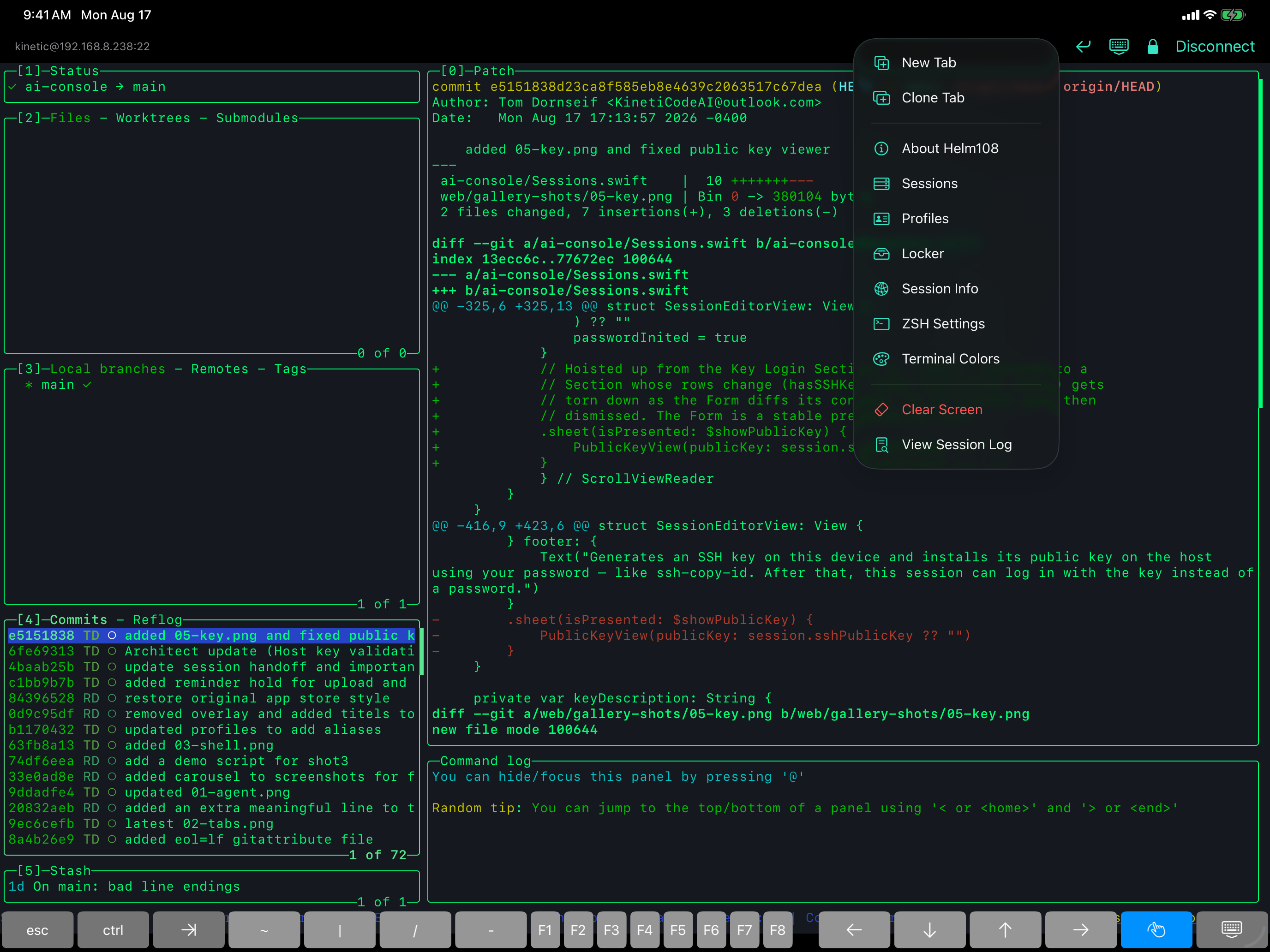
🧭The ••• menu & native UIgallery-shots/06-ui.png
Shoot these on iPad, landscape, with your hardware keyboard (so the on-screen keyboard is hidden — more terminal, less iOS chrome). Native size is 2752 × 2064. Save each into web/gallery-shots/ with the filename shown in its slot (01-agent.png … 06-ui.png); redeploy and the tile fills itself in.
Exception: a shot meant to show the on-screen newline button should keep the soft keyboard visible. Captions + full guidance: docs/appstore-screenshots.md.