 Bucketmail by KinetiCode AI
All the folders you expect
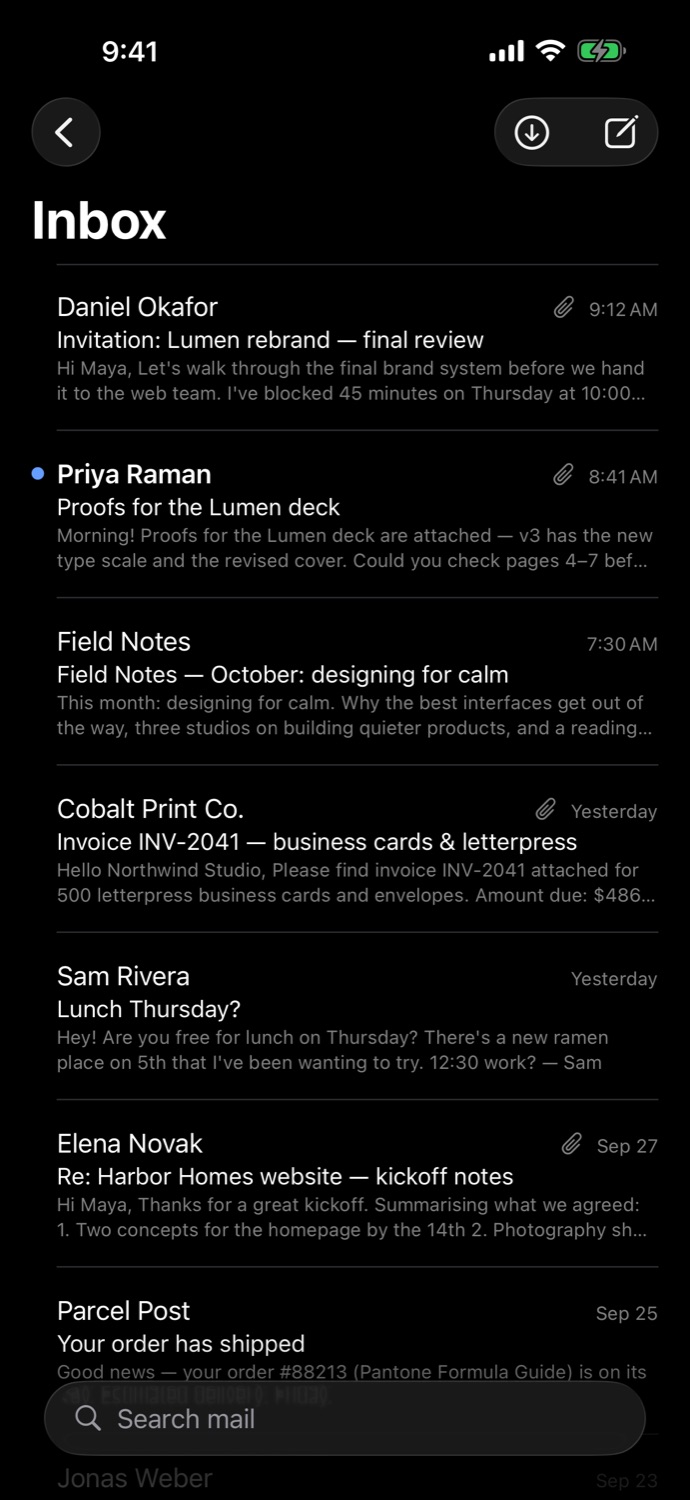
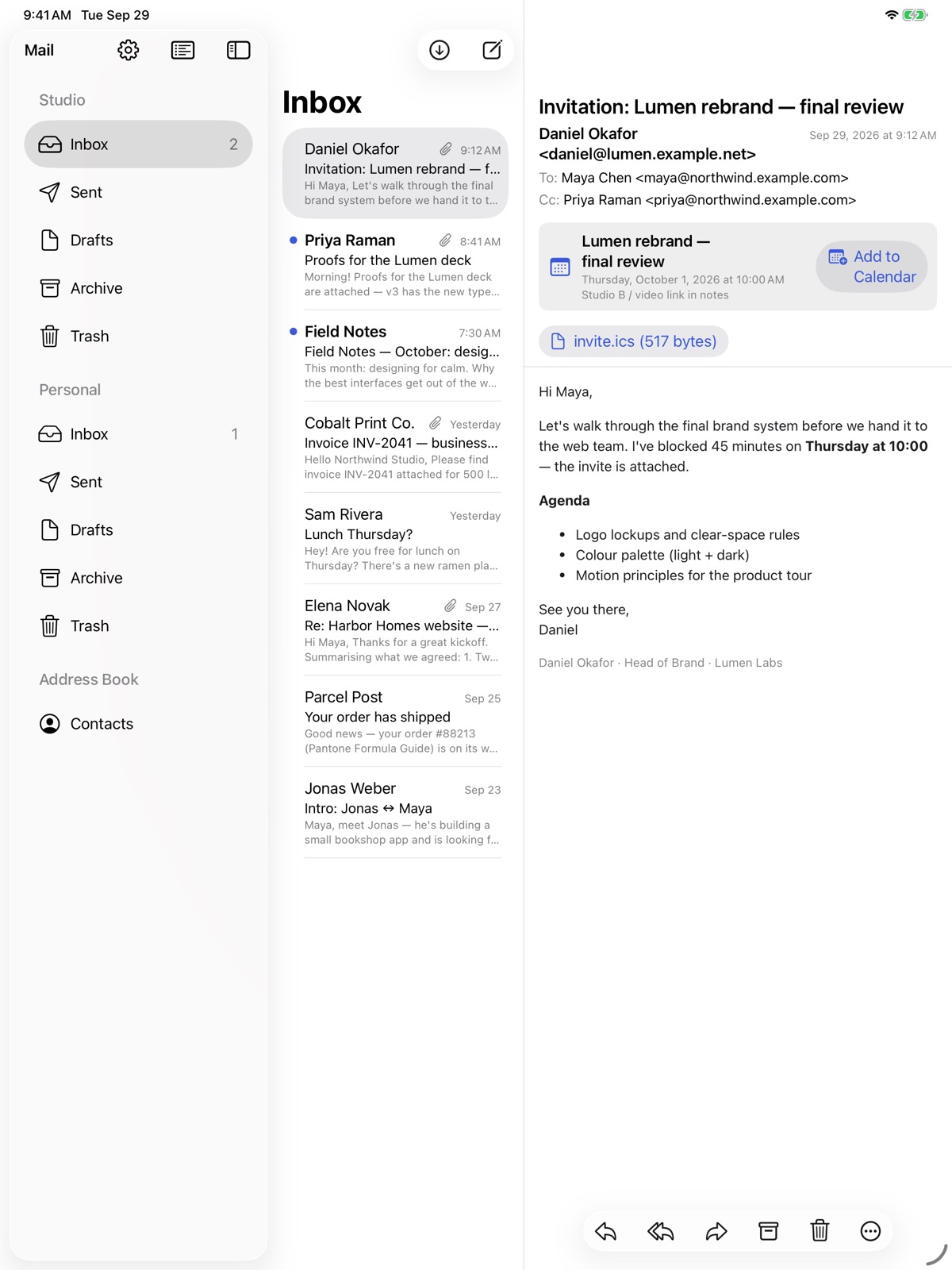
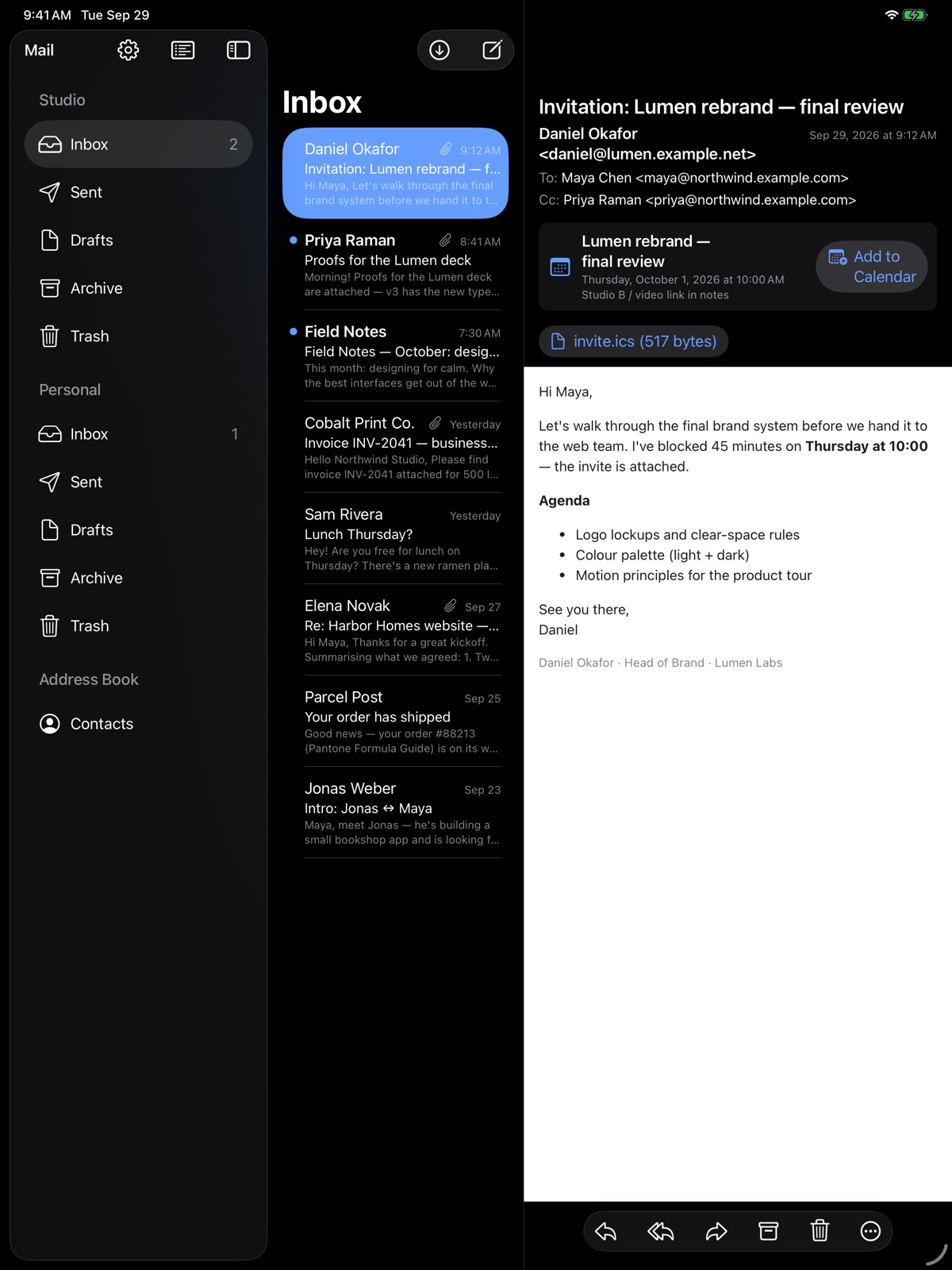
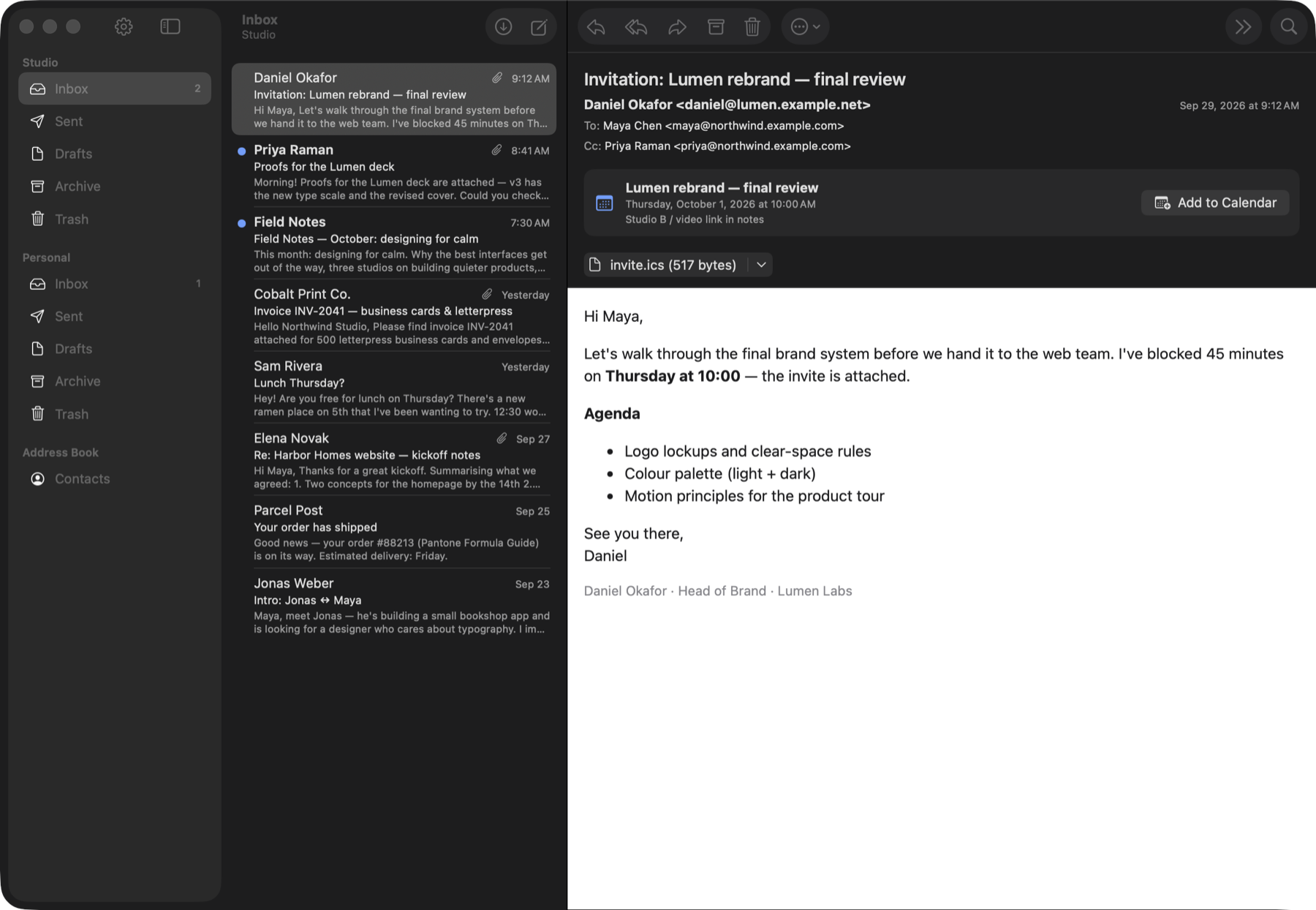
Inbox, Sent, Drafts, Archive and Trash for every account, with unread badges, swipe actions and keyboard shortcuts on the Mac.
Bucketmail is a native mail app for people who run their mail on AWS. It reads what Amazon SES delivers to your S3 bucket, sends through SMTP or Resend, and keeps everything between your devices and your own account.
iOS 26 · iPadOS 26 · macOS 26 — no tracking, no data collected
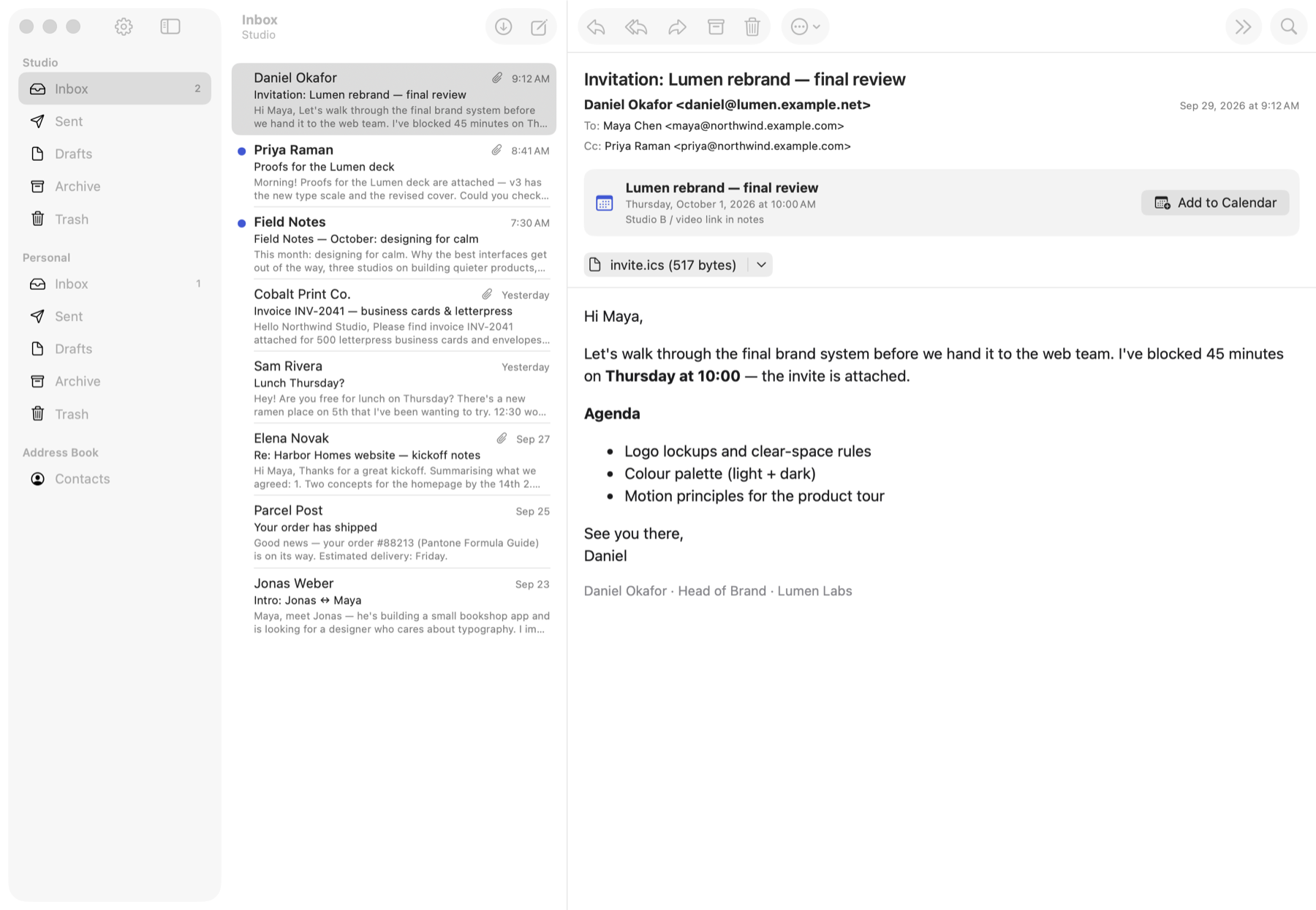
Bucketmail is built entirely in SwiftUI, with no third-party code. It behaves like a Mac, iPhone and iPad app should.
Inbox, Sent, Drafts, Archive and Trash for every account, with unread badges, swipe actions and keyboard shortcuts on the Mac.
Search subjects, senders, recipients and message text in the current mailbox or across all of them.
Proper quoting, threading headers and drafts that save when you want them to. Forwarding keeps the attachments.
A built-in address book fills itself from the people you write to and completes addresses as you type.
Quick Look, Save As and Share for anything you receive. Drag files in to attach them. Inline images show where they belong.
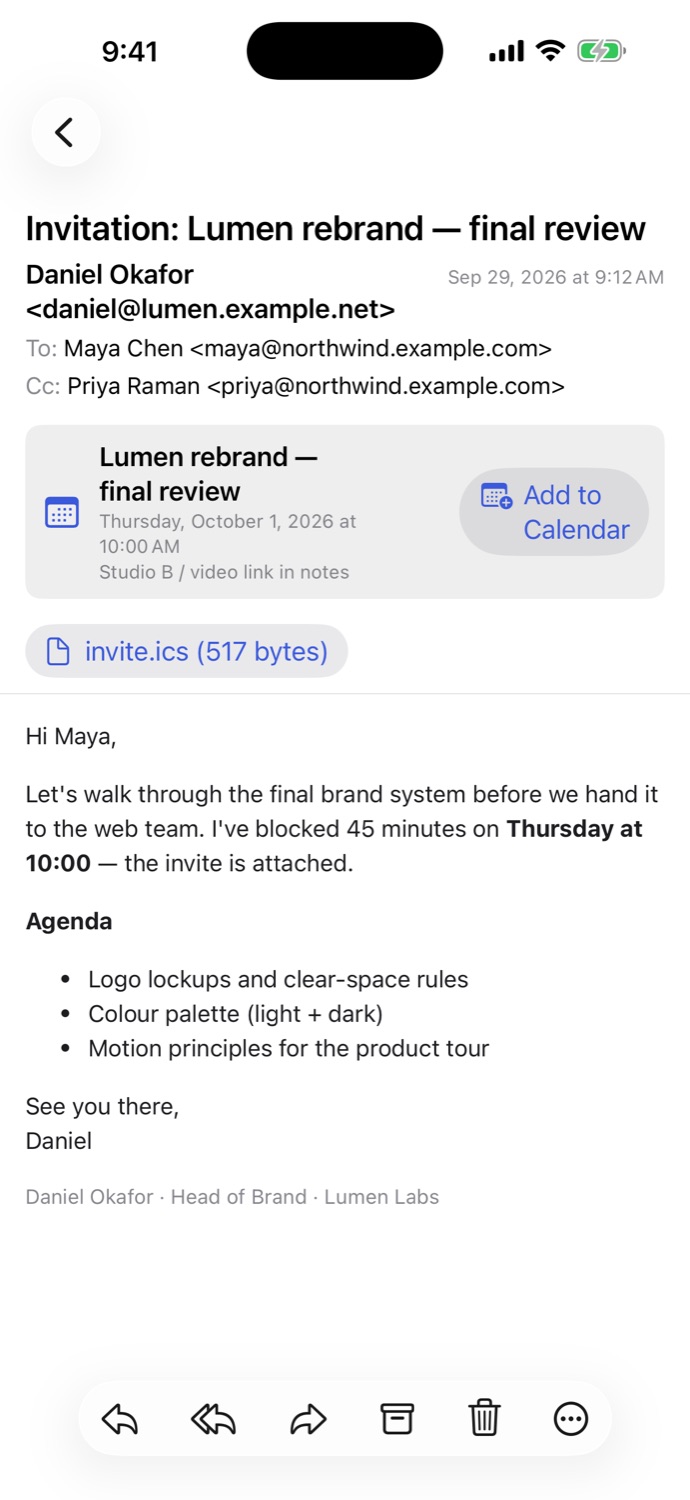
Bucketmail spots .ics invitations and shows an Add to Calendar banner. You can also turn any message into an event.
When a message carries a calendar invitation, Bucketmail shows the title, time and location above the message. One tap opens an editor you can adjust before saving.
.ics invitations, including all-day, recurring and cancelled events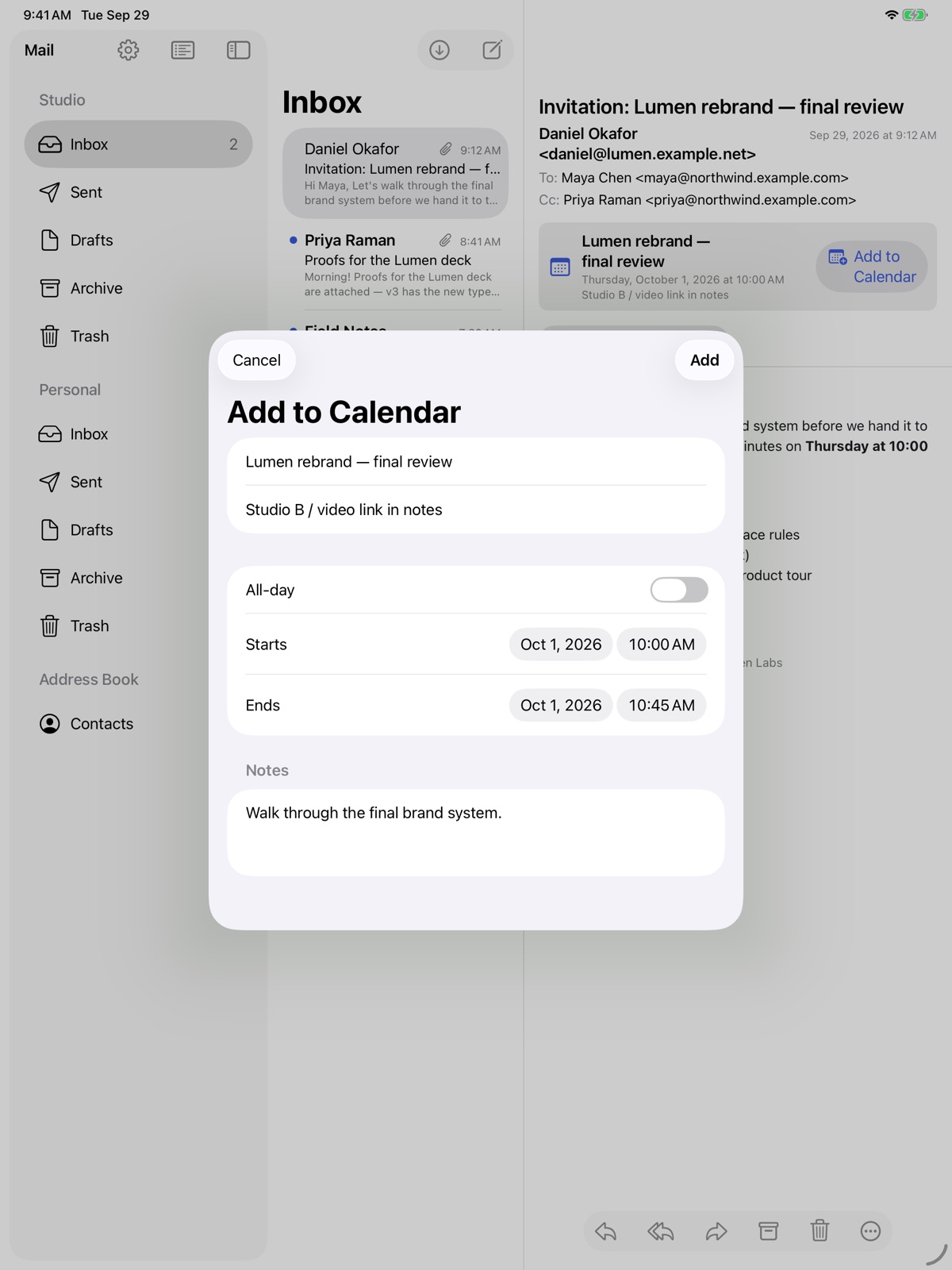
Newsletters look the way they were designed to, but remote images and tracking pixels stay blocked until you choose to load them. JavaScript never runs in a message.
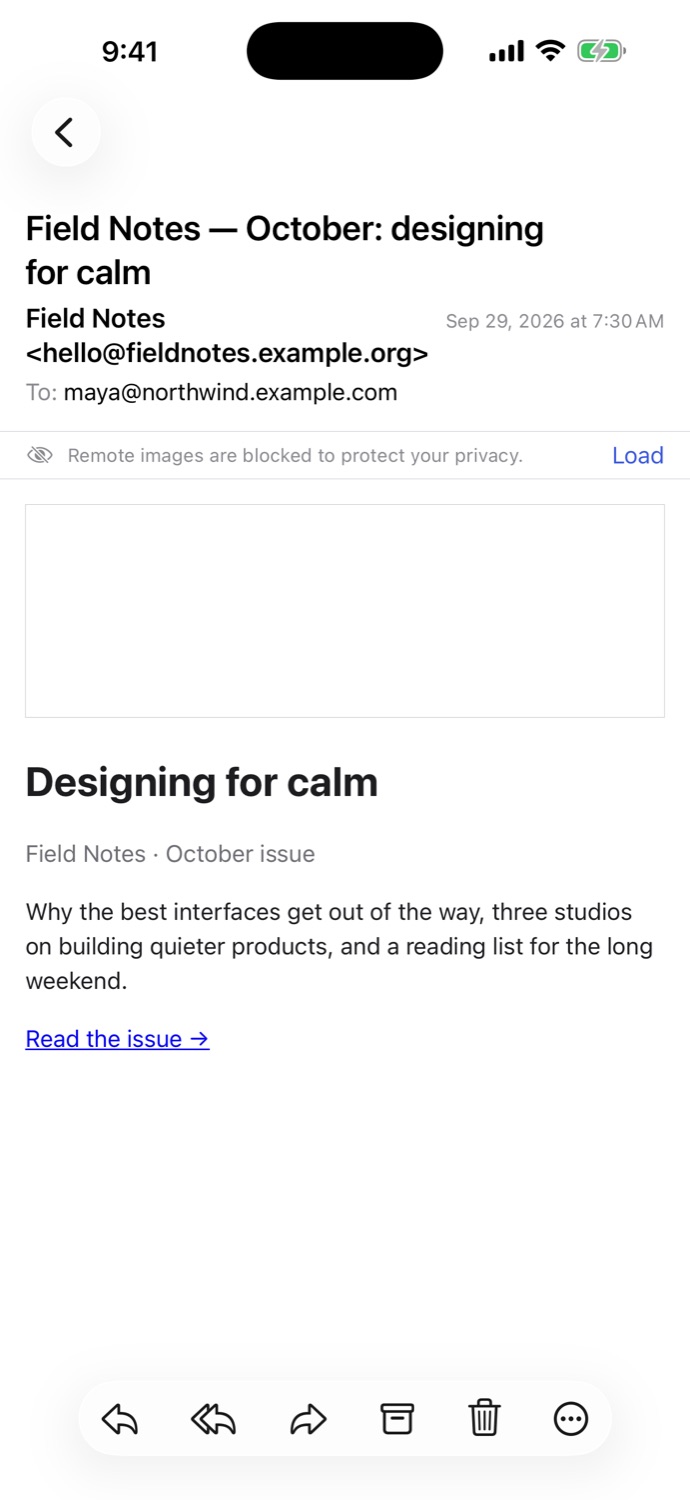
These are real screenshots of Bucketmail, taken with fictional demo mail.
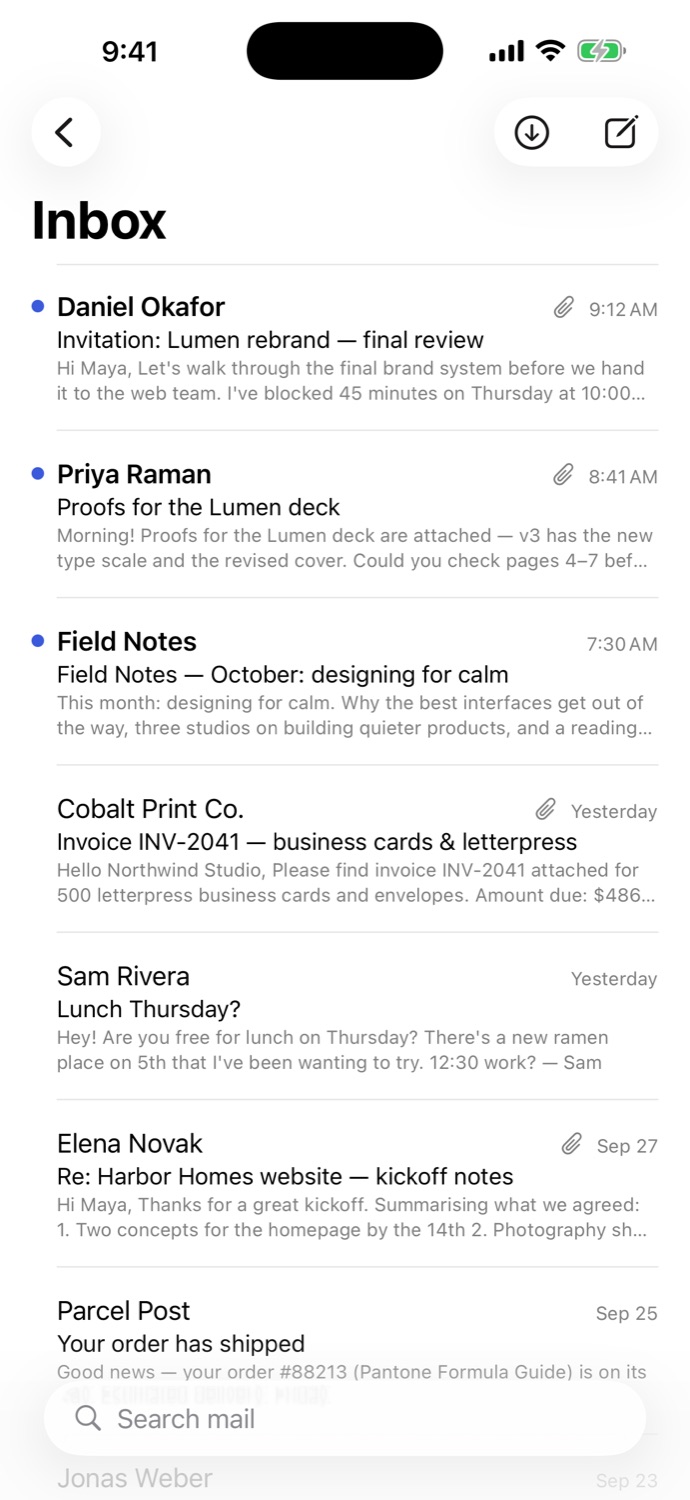
Amazon SES receives your mail and stores each message in an S3 bucket you own. Bucketmail downloads it from there directly.
Your domain's MX record points to Amazon SES.
A receipt rule saves the raw message to S3.
One .eml file per message, in a prefix for each mailbox.
Downloads new messages once, straight to your device.
Works with any SMTP server, using implicit TLS on port 465 or STARTTLS on 587. That includes Amazon SES SMTP and Resend.
Or send over HTTPS with the Resend API. You choose SMTP or Resend separately for each account.
Bucketmail has no servers, no accounts and no analytics. Your messages go straight from your own AWS and mail provider to your device.

For iPhone, iPad and Mac. Already running SES? You'll be reading your mail in about five minutes.